
VALE
A golf clubhouse site where every golfer becomes a knight: a map of the realm, six chapters and tee-time booking.
- Client
- VALE Golf Clubhouse
- Field
- Golf clubhouse
- My role
- Site design, interaction and front-end, with Invisual Studio
- Year
- 2026
- Lines
- Get found, Serve
The situation
VALE is a modern golf destination inspired by the spirit of medieval knights: every golfer becomes a knight, every fairway a realm and every round a quest. The site had to carry that story until you could feel it, without losing visitors who just want to book a tee time.
The project was made at Invisual Studio. The result is a single preview file holding the realm map and six chapters, complete on desktop and phone, that runs without a server. The site isn't live yet, and its forms send nothing.
A realm you can explore
The map of the realm
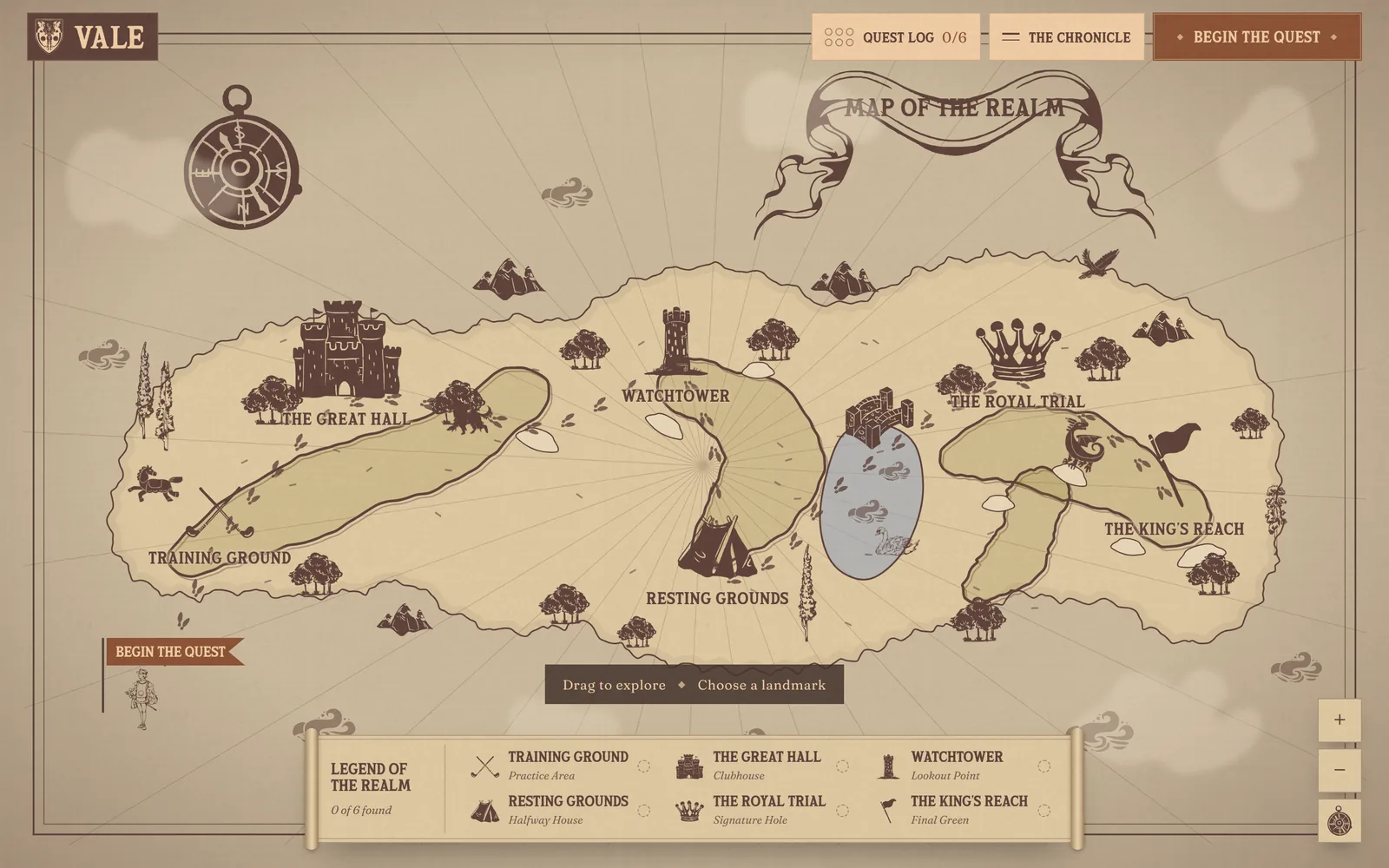
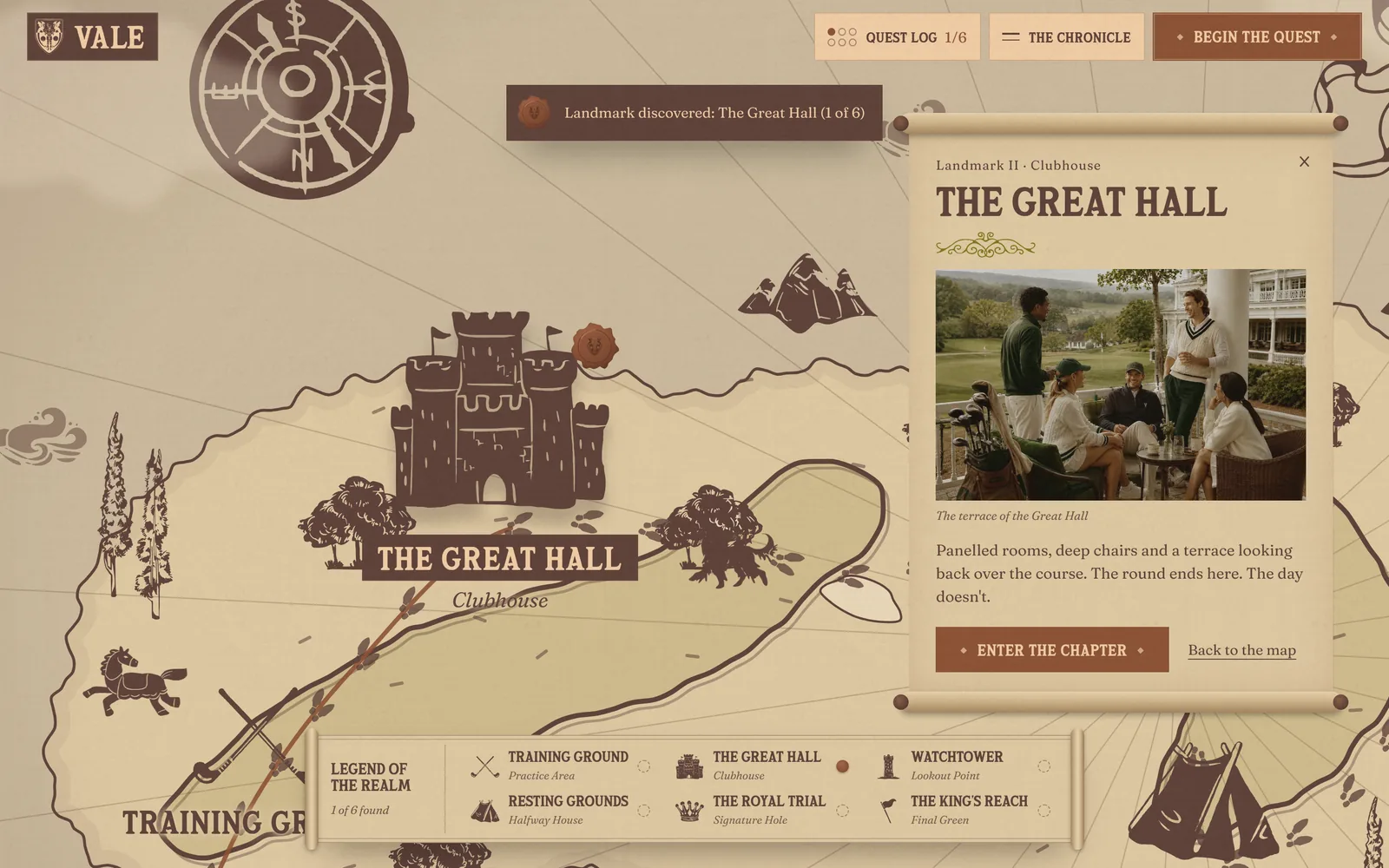
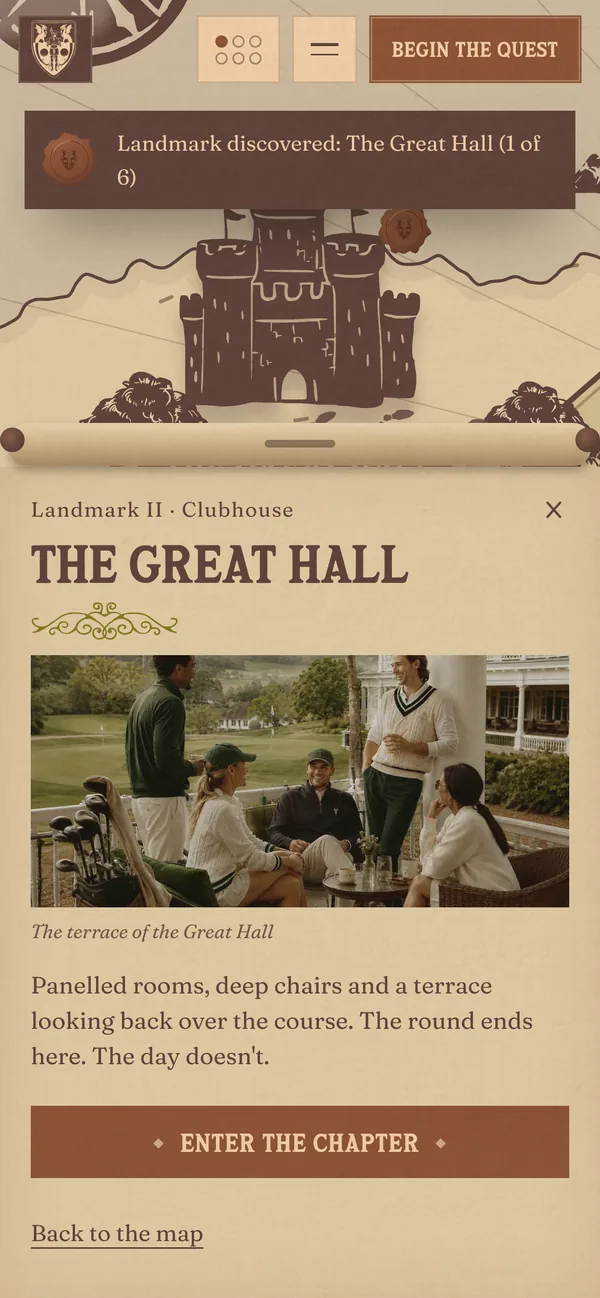
The homepage is a map of the course you can drag and zoom. Six landmarks, from the Training Ground to the King's Reach, each open a story card that leads into its chapter. Every landmark you open stamps a seal in the Quest Log.
Six chapters, one book
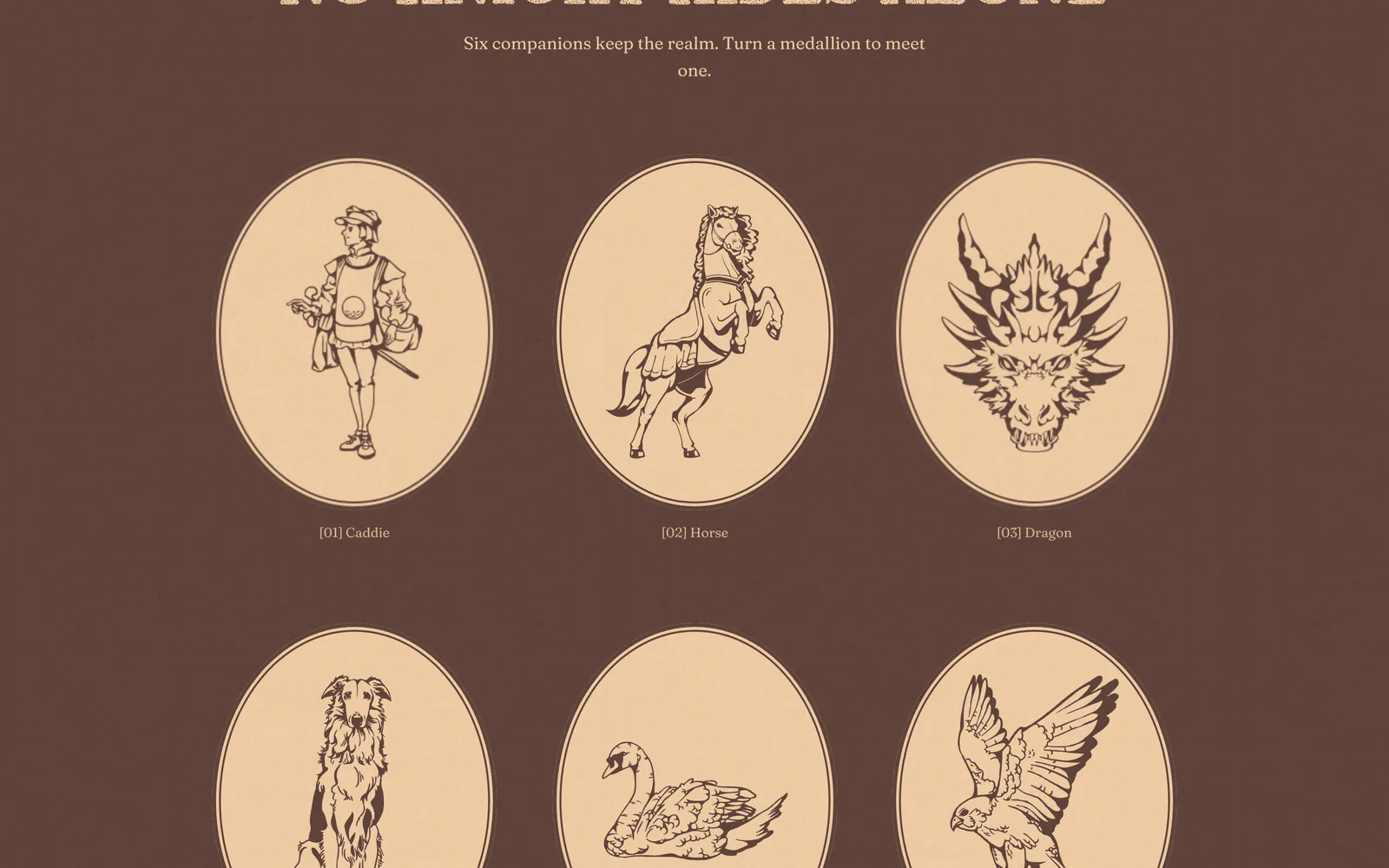
The Legend, The Course, The Great Hall, The Knights Cup, The Order and Begin the Quest read like a book: moving between chapters feels like turning a page, and The Chronicle is the table of contents. In The Legend, the Green Knight changes pose as you scroll and six companions turn over like medallions.
The course in detail
The Course chapter introduces the contours, five flags each with a numeral and a word, and hole VII, The Dragon's Bunker, with its par and the distance from every tee. The knight's code closes it with three simple rules on the green.
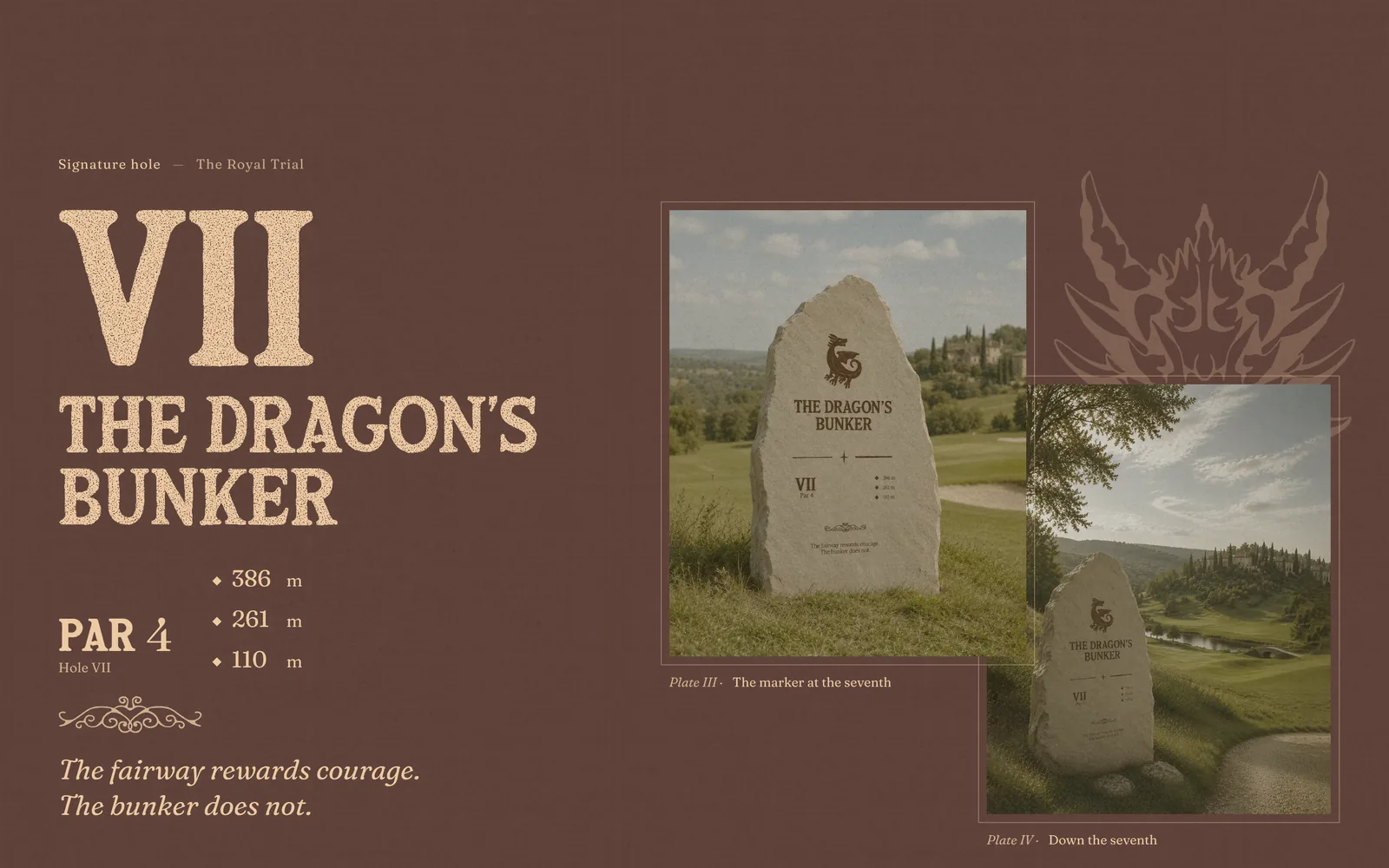
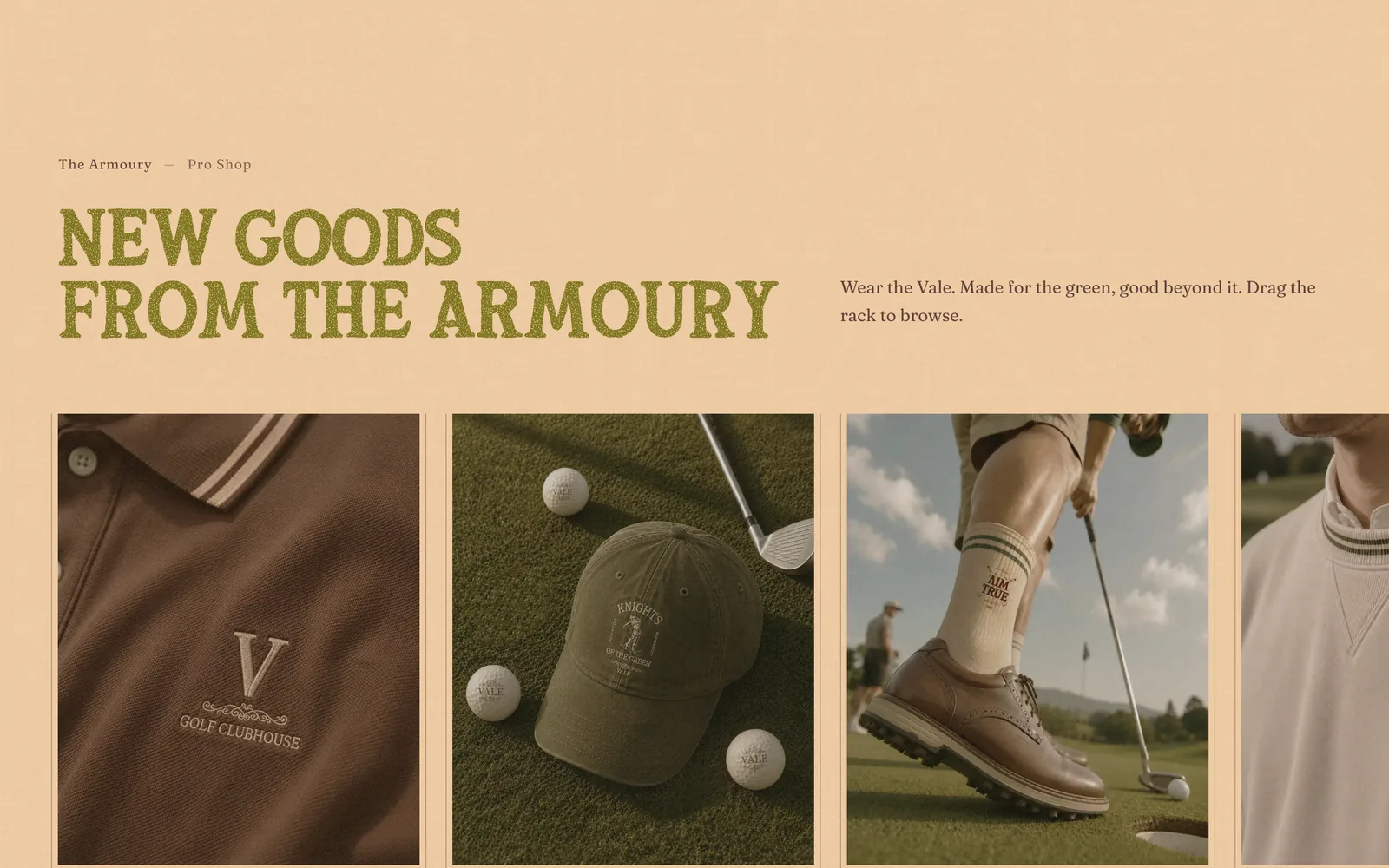
The Great Hall and the Armoury
The clubhouse comes through its room photographs, a notice board whose posters you can drag about, and an Armoury rack of eight goods you pull to browse.
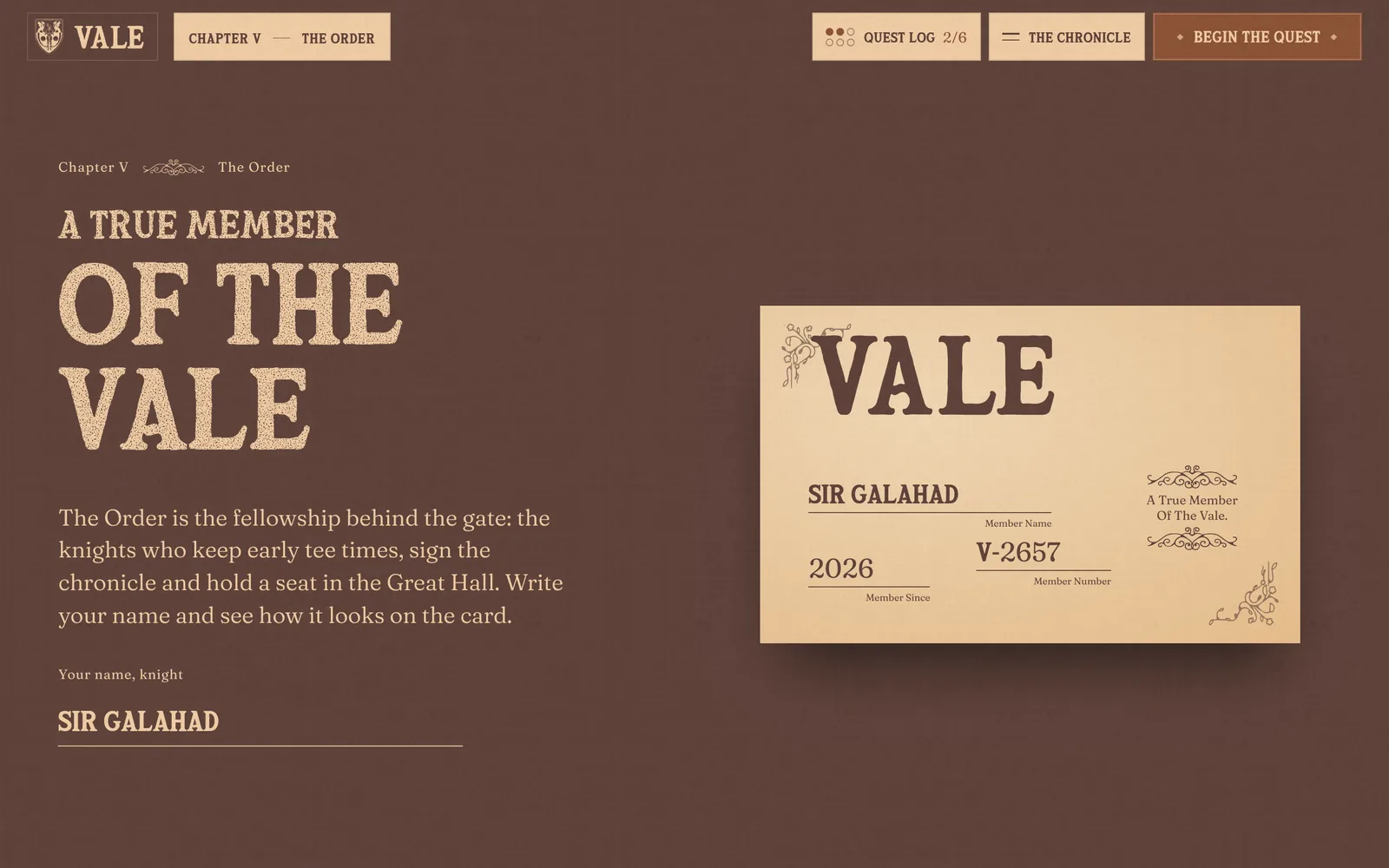
The Order's member card
Visitors write their name and see it on the member card straight away, with a member number. The card tilts with the cursor and turns over. Below are the four privileges of the Order and a form to request an invitation.
Booking a tee time
Begin the Quest walks through the booking in six steps, from the date to the player's details. The ticket beside it fills in as the visitor chooses, and dawn slots are marked Early Knight. On phones the summary sits in a bar at the bottom of the screen.
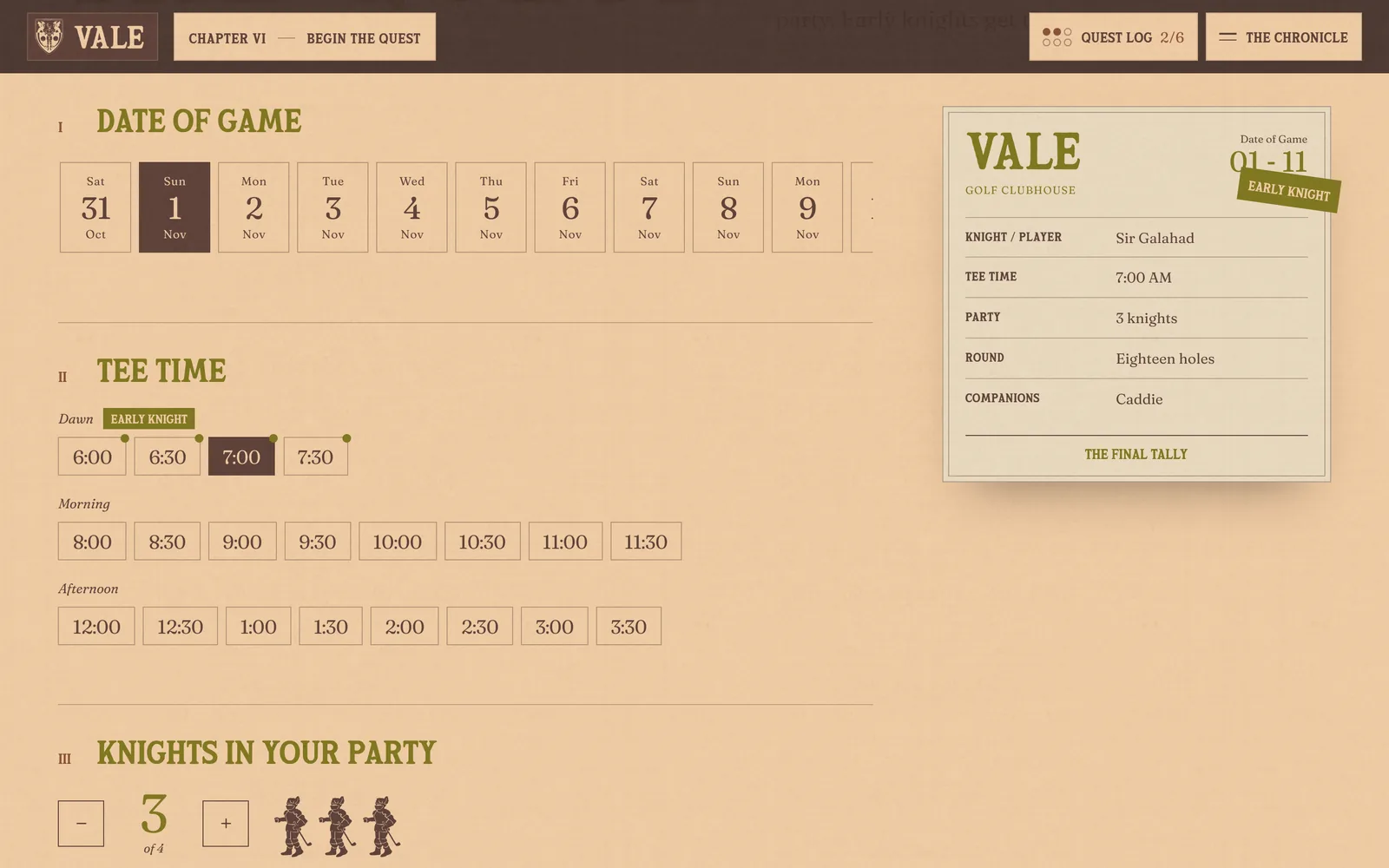
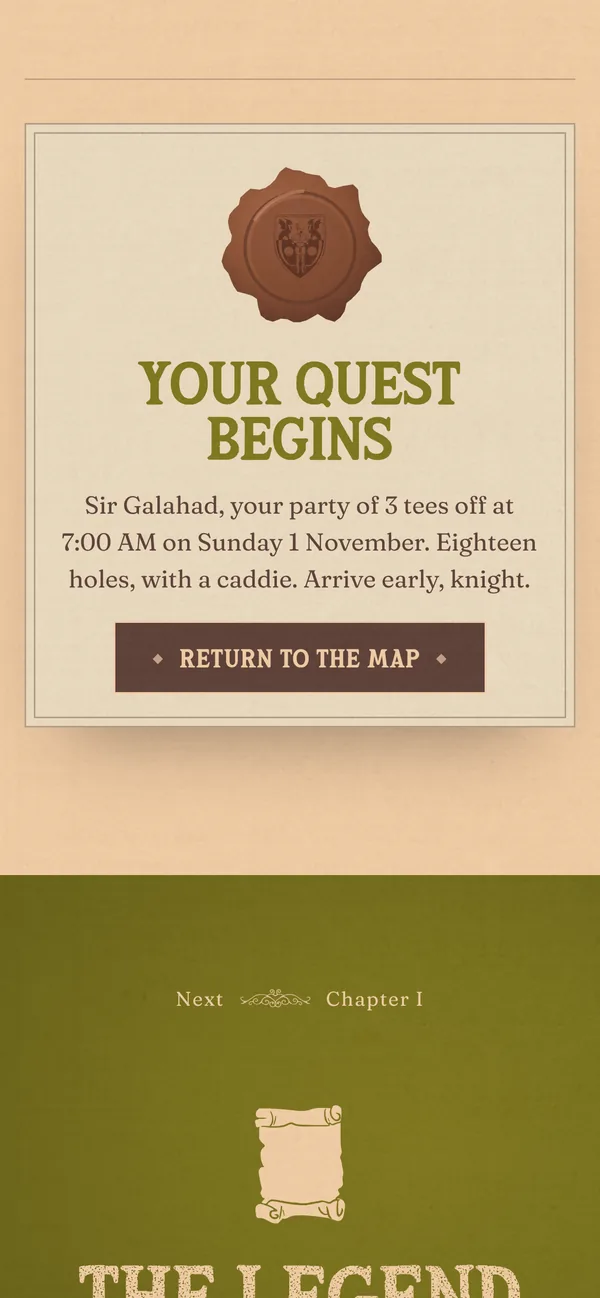
Booking a tee time
- Pick a date from the next fourteen days
- Choose a time; dawn slots are marked Early Knight
- Set the party, one to four knights
- Choose nine or eighteen holes
- Add a caddie or a cart if needed
- Enter a name and email, then seal the booking
Design decisions
Printed, not flat
Headings and illustrations carry an ink texture like an old printed book. The texture comes from a light SVG filter rather than large images, so it stays sharp on any screen.
A map you can play
The Quest Log collects a seal for every landmark opened. Progress is kept on the visitor's device, and the site keeps working normally when the browser blocks that storage.
The story never blocks the booking
The Begin the Quest button is always in the header and on the map, and the booking summary stays in view. Visitors who only want to book can book straight away.
Calm when asked
When visitors ask for reduced motion, the animation stops. Dialogs, cards and forms use real buttons and labels, so they work with a keyboard and a screen reader.
By the numbers
- 7
- pages: the map and six chapters
- 6
- landmarks and six companions
- 50
- vector drawings in one file
- 20
- tee times to choose from each day
Built with HTML, CSS and JavaScript, GSAP (ScrollTrigger, Draggable, SplitText), Lenis and SVG illustration. One file that runs without a server.